
Admin Panel
The Sigma Admin Panel is accessed by clicking your user profile icon and selecting Admin Panel. This centralized dashboard gives administrators comprehensive control over their Sigma workspace.The first user in your Sigma instance will automatically be an Admin. Only Admins can designate other users as Admins.
Core Admin Features
AI Models
Configure your AI providers and select the models available to your users.
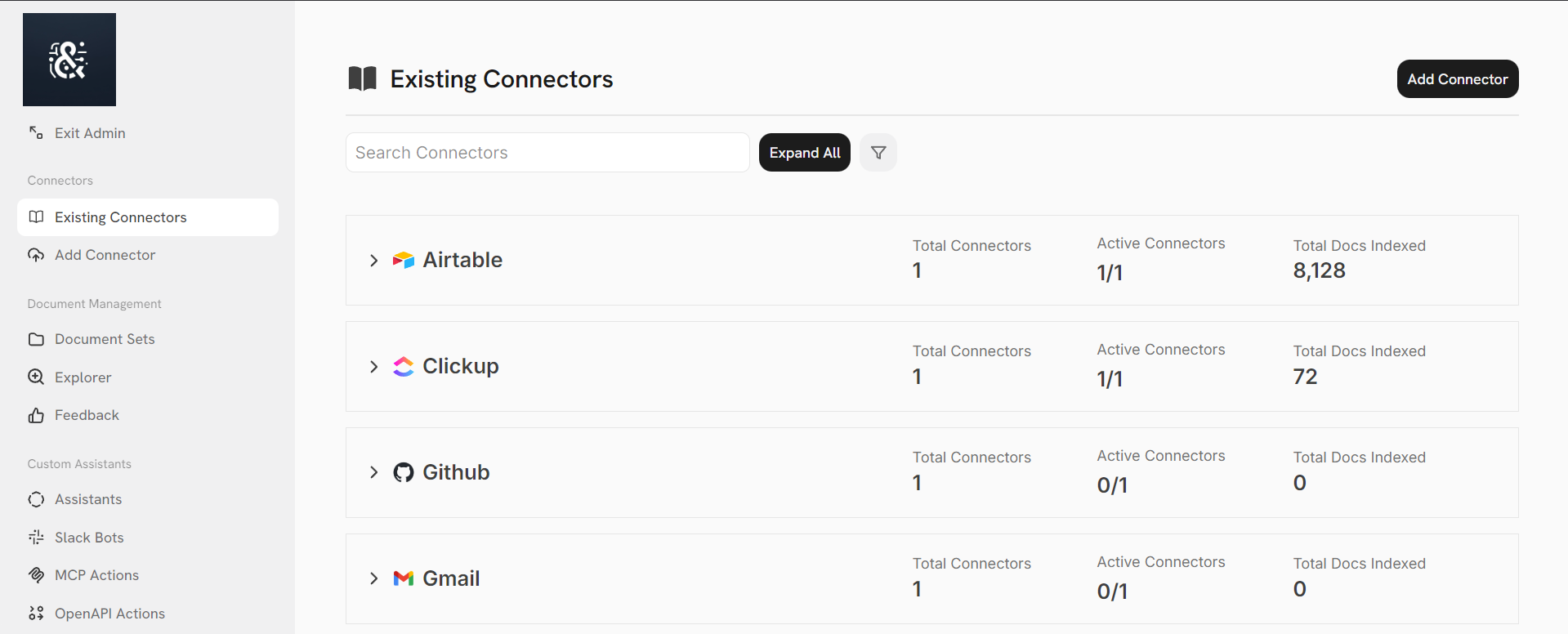
Connectors
Configure your connectors to index your organization’s data in Sigma.
Actions & MCP
Create custom actions for your Agents to leverage and connect your MCP servers.
Agents
Publish custom Agents for every use case.
Sigma Slack Bot
Configure a Slack Bot powered by your knowledge, Agents, and Actions.
User Management
Manage users, groups, and API keys.
Workspace Analytics
Monitor usage and performance across your workspace.
Advanced Configs
Configure search, processing, multilingual settings, rate limits, and branding.